
The answer
A UX audit reviews a small-business website’s user and business goals, content, flows, accessibility, and performance, then helps identify evidence-based fixes. The UX Audit Checklist for Small Business Websites That Convert can guide a focused review of key journeys, using baseline analytics and usability evidence to prioritize changes. For performance checks, the listed thresholds include LCP of 2.5 seconds or less.
Notes
- A UX audit reviews user and business goals, content, flows, accessibility, and performance.
- The listed Core Web Vitals thresholds are LCP of 2.5 seconds or less, INP of milliseconds or less, and CLS of 0.1 or less.
- Usability testing observes real users attempting real tasks, and it works best combined with an expert-led UX audit.
- An express design audit can suggest next steps but doesn’t provide a complete picture of user interaction.
What does a UX audit evaluate, and how is it different from a technical or SEO audit?
A UX audit is a structured review of an existing product’s user and business goals, content, flows, accessibility, and performance. It examines how the experience supports people trying to complete meaningful tasks, rather than treating a page’s appearance or search visibility as the whole story.
The UX Audit Checklist for Small Business Websites That Convert keeps attention on the experience and business goals. An expert review is distinct from usability testing: testing observes real users attempting real tasks, and the methods work best together.
| Review type | Main focus | What it can establish | What it doesn’t establish by itself |
|---|---|---|---|
| UX review | User and business goals, content, flows, accessibility, and performance | Potential experience and flow problems | What real users do during tasks without usability testing |
| Technical performance checks | Loading and display speed, browser compatibility, and working elements | Whether those technical checks pass | Whether the complete experience supports user and business goals |
| SEO audit | Search visibility | Issues related to search visibility | Whether the site is persuasive, trustworthy, or optimized for conversion |
Use the UX Audit Checklist for Small Business Websites That Convert to frame questions about users, tasks, and friction; pair expert review with user observation when you need evidence of real interactions.
The UX Audit Checklist for Small Business Websites That Convert is a usability-focused review, not a substitute for technical checks or an SEO audit.
Start your UX UI design project
Key points
- Start with one workflow or the smallest site area that can explain a conversion failure.
- Capture baseline evidence and verify that analytics events and conversion goals record the behaviours under review.
- Combine expert review with analytics, accessibility checks, content review, and selected user research.
- Record each issue’s impact, suggested solution, and expected outcome, then validate selected changes against a measurable goal.
Which pages and customer journeys should a small business audit first?
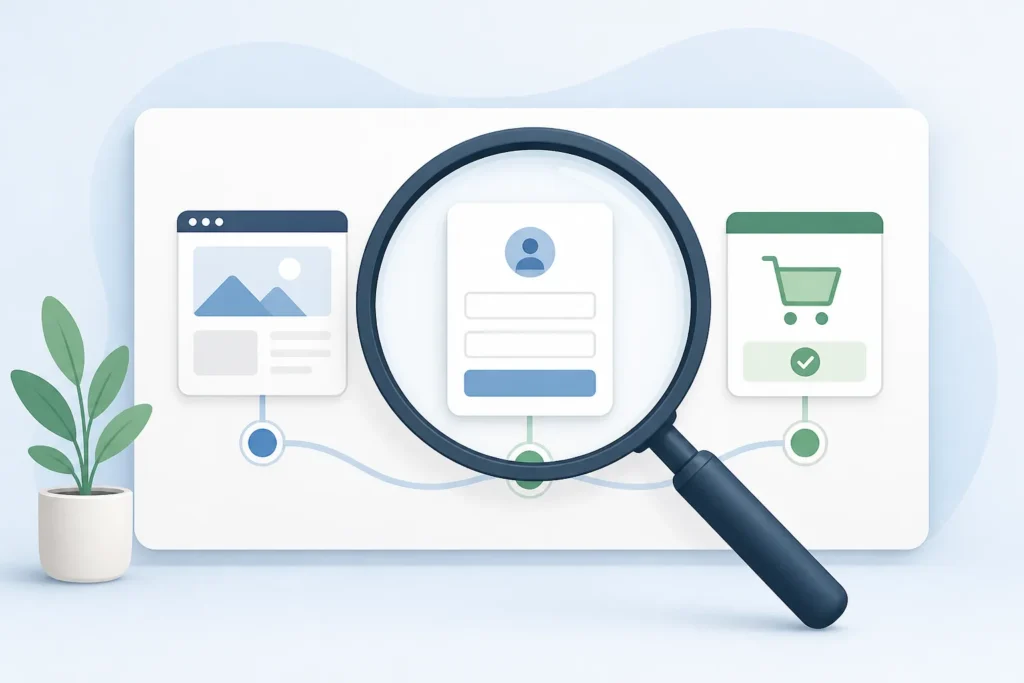
Start with one workflow, or the smallest site area that can explain a conversion failure, rather than reviewing every page at once. Follow the path from the first interaction through the action you want a visitor to complete, and include the pages involved in that journey.
The UX Audit Checklist for Small Business Websites That Convert can begin with a landing page, signup flow, lead form, or checkout process where conversion drop-offs may occur. For e-commerce, trace product discovery through navigation and checkout, noting where customers may struggle to find what they need.
If you need a broader review, sample the homepage, pricing page, key landing pages, and major templates. Check both desktop and responsive versions of pages in the user scenario.
Use the UX Audit Checklist for Small Business Websites That Convert to follow the entire path from first interaction to checkout when an order is the goal. The UX Audit Checklist for Small Business Websites That Convert should stay tied to the workflow you chose, so the review explains a specific failure rather than becoming an unbounded page inventory.
Which conversion metrics and usability signals should you measure before and after an audit?
Capture baseline evidence before writing recommendations, and check that analytics events and conversion goals record the behaviours your review needs to assess. Without that check, you may not be able to compare the same outcomes after changes.
The UX Audit Checklist for Small Business Websites That Convert should track journey signals including bounce rate, exit rate, pages per session, scroll depth, funnel drop-offs, session duration, abandonment patterns, and click-through rates. Define a measurable usability goal too, such as task completion rate.
Customer feedback can add context to numbers. Consider satisfaction surveys, polls, support tickets, CRM notes, and social media sentiment as feedback inputs.
For performance, the listed Core Web Vitals thresholds are LCP of 2.5 seconds or less, INP of milliseconds or less, and CLS of 0.1 or less. Use the UX Audit Checklist for Small Business Websites That Convert to compare these measures against the same baseline after fixes. The UX Audit Checklist for Small Business Websites That Convert is most useful when its goals and tracked events match the journey being assessed.

What should the UX Audit Checklist for Small Business Websites That Convert cover?
A conversion-focused website checklist should examine the first impression, navigation and flow, mobile experience, forms, accessibility, and checkout. Check whether visitors can quickly tell who the site is for and what problem it solves, then look for clear, visible calls to action on important pages.
The UX Audit Checklist for Small Business Websites That Convert can use these checks as a practical review of the main conversion areas:
| Audit area | Checks |
|---|---|
| First impression | Can visitors identify the intended audience and problem solved? Is the call to action clear and visible? |
| Navigation and flow | Can visitors find what they need? Are unnecessary elements removed from conversion pages? |
| Mobile | Do layouts, text scaling, and touch targets work across representative screen sizes? |
| Forms and accessibility | Are labels clear, field order logical, input types appropriate, and requested fields necessary? Check contrast, keyboard navigation, screen-reader compatibility, alternative text, and focus indicators. |
| Checkout | Review the flow for avoidable obstacles and unnecessary page elements. |
Also check small-screen navigation and performance on slower mobile networks. The UX Audit Checklist for Small Business Websites That Convert should cover both the visible page and the steps visitors need to complete. The UX Audit Checklist for Small Business Websites That Convert can help you record these checks consistently across important pages.

How can a small business conduct a UX audit without hiring an agency?
You can conduct a focused review by defining goals and scope, gathering baseline evidence, walking through the chosen journey, logging issues, and validating selected fixes. The scope can be one journey, several journeys, or the full product.
The UX Audit Checklist for Small Business Websites That Convert works best as one part of a review that combines expert assessment with analytics, accessibility checks, content review, and selected user research. For a small website, content can be reviewed manually.
Use Google Analytics and Google Tag Manager to track website metrics and monitor changes over time, especially after UX/UI changes. Heatmaps, session recordings, and funnel tracking are also listed tools for quantitative UX analysis; heatmaps and UX feedback can help examine conversion paths.
- Recruit people from the target audience and assign specific tasks.
- Ask participants to think aloud, record sessions, and ask follow-up questions.
Use the UX Audit Checklist for Small Business Websites That Convert to keep observations tied to the selected workflow. Then use the UX Audit Checklist for Small Business Websites That Convert to check whether chosen fixes meet their stated criteria.

How much does a small-business UX audit cost, and when is a DIY review enough?
The available claims provide no typical price range for a small-business UX audit, so a reliable cost estimate is unknown. They do distinguish a limited express design audit from a fuller assessment: an express audit can point toward next steps but doesn’t provide a complete picture of user interaction.
The UX Audit Checklist for Small Business Websites That Convert can support a DIY first pass: choose one workflow, review its content, and gather the analytics you need to understand the problem. Pair those steps with accessibility checks and selected user research when possible.
An expert-led review and usability testing answer different questions. Usability testing observes real users attempting real tasks, and the source says these methods work best together. A DIY review can help you identify and document issues, but the available evidence doesn’t establish that it replaces specialist assessment.
Use the UX Audit Checklist for Small Business Websites That Convert to define what your own review will cover. If you need to understand how people interact with a product, the UX Audit Checklist for Small Business Websites That Convert should be paired with observation of users completing real tasks.
Which UX problems threaten conversions or customer data, and how should you prioritize them?
Prioritize UX problems by how severely they disrupt a task and how they affect key website metrics. A blocking issue means a task cannot be completed; high severity signals substantial abandonment risk; medium adds friction; low is polish only.
The UX Audit Checklist for Small Business Websites That Convert can record severity alongside evidence and likely impact, then help you distinguish urgent obstacles from lower-priority polish. Another source categorizes issues as critical, high-priority, medium, or low-priority according to severity and impact.
For a small team, use those impact categories to focus review effort on problems connected to key website metrics before lower-impact refinements. The available claims don’t provide a numerical scoring formula or a way to calculate implementation cost.
Check that site URLs use HTTPS; the source describes it as indicating encrypted data passed between the web server and browser. Where visitors provide personal information, review whether privacy policies or terms are clearly labeled and explained. The UX Audit Checklist for Small Business Websites That Convert should document both the issue and its observed impact. Use the UX Audit Checklist for Small Business Websites That Convert to keep data-related checks in the same prioritized issue log.
Watch
How should you turn audit findings into fixes and measure whether they improve conversions?
Turn findings into a roadmap by recording each issue, its impact, a suggested solution, and the expected outcome. A final report can include an issue breakdown, prioritized recommendations, and an improvement roadmap.
The UX Audit Checklist for Small Business Websites That Convert becomes actionable when each finding connects to a planned fix and evidence. Work with the relevant team to build an implementation roadmap, and define acceptance criteria, a measurable success metric, and any validation needed before sign-off for each major change.
Compare results against the baseline you captured before the audit. A/B testing can test small changes, but it needs enough traffic for statistically significant results. Change one element at a time and allow data to accumulate before drawing conclusions.
Use the UX Audit Checklist for Small Business Websites That Convert to track whether the selected metric moves after implementation, rather than assuming a change worked. Schedule follow-up audits to measure impact and identify further opportunities. The UX Audit Checklist for Small Business Websites That Convert can then guide the next round of evidence gathering and fixes.
| Source | Mobile checks |
|---|---|
| whatifdesign.co | testing whether layouts, text scaling, and touch targets work across… |
| savageaudit.com | navigation depth, mobile layout, and user-flow friction |
| abbacustechnologies.com | layout adaptability, touch-target sizes, navigation usability on small screens… |
| Review type | Main focus | What it can establish | What it doesn’t establish by itself |
|---|---|---|---|
| UX review | User and business goals, content, flows, accessibility, and performance | Experience and flow issues to investigate | Real user behaviour without usability testing |
| Technical performance checks | Loading and display speed, browser compatibility, and working elements | Whether those technical checks pass | Whether the full experience supports user and business goals |
| SEO audit | Search visibility | Issues related to search visibility | Whether a site is persuasive, trustworthy, or optimized for conversion |
Questions from clients
Should a small business audit its whole website or start with one journey?
A UX audit can focus on one journey, several journeys, or the entire product; the scope should match the problem you’re investigating.
How much does a small-business UX audit cost?
The available claims provide no typical price range for a small-business UX audit, so a reliable cost estimate isn’t available here.
What’s the difference between a UX audit and usability testing?
Usability testing observes real users attempting real tasks, while an expert-led UX audit reviews the experience; the methods work best together.
How can you tell whether a website change improved conversions?
A/B testing needs enough website traffic to produce statistically significant results.
