
The answer
You can build a responsive website in Webflow without writing HTML, CSS, or JavaScript: its visual editor uses drag-and-drop controls while Webflow generates the code behind the scenes. Webflow combines design tools, a CMS, and hosting, with reported general paid Site plans starting at $14 per month and e-commerce plans starting at $29 per month. [1] [2] [3]
Notes
- Webflow is a no-code website builder, CMS, and hosting platform. [2] [1] [3]
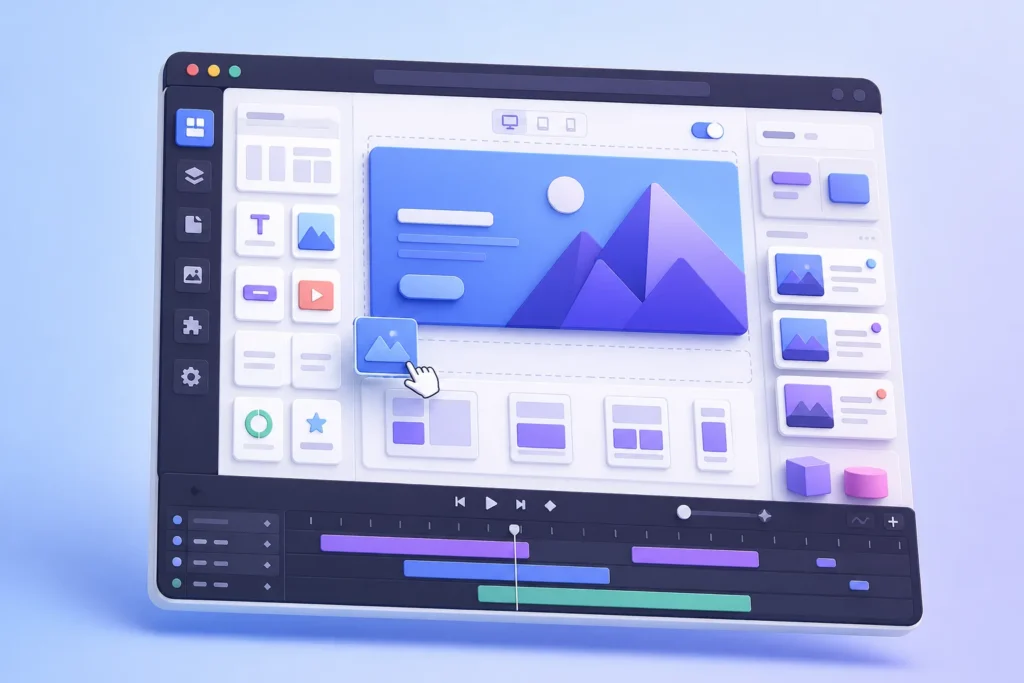
The visual editor uses drag-and-drop controls, so you work with graphical elements rather than typing every instruction manually. [1] [4] Webflow generates the underlying website code in the background, which lets you focus on layout, content, branding, and interactions.
You can use Webflow for blogs, e-commerce stores, microsites, portfolios, event sites, landing pages, and corporate websites. [3] That makes the platform relevant to small businesses, online sellers, startups, entrepreneurs, and agencies deciding how to approach web development. The important distinction is that Webflow isn’t only a basic page builder: its CMS and hosting capabilities support sites with repeatable content as well as standard marketing pages.

Compare Webflow website design quotes
Can Webflow be used to build a website without any HTML, CSS, or JavaScript coding?
Webflow lets you create a website without knowing or writing HTML, CSS, or JavaScript. [4] Its visual interface removes the need for coding expertise during ordinary site building. [5]
Behind the editor, Webflow automatically generates HTML, CSS, and JavaScript. [1] [6] You therefore work visually while the platform produces the code required for the site.
No-code building doesn’t mean customization stops at the visual interface. Webflow also offers advanced options for people with coding skills. You can add custom HTML, CSS, or JavaScript for specific features, and external tools or API integrations can extend the platform further. [1] For standard pages, landing pages, and ordinary CMS content, you can stay no-code. A feature that falls outside Webflow’s native controls may require custom code or another tool.

What no-code features does Webflow provide for designing and customizing websites?
Webflow’s visual editor lets you drag and drop elements, change layouts, and style individual components. [5] [4] [6]
Responsive design controls let you tailor a site for different screen sizes. [7] [5] [1] The editor also provides SEO controls for meta titles, descriptions, image alt text, and built-in search optimization. [4] [7] The supplied evidence supports general SEO features, but it doesn’t document a dedicated local SEO feature. Typography settings, spacing settings, and detailed elements management aren’t described separately in the ledger, so their exact scope is unknown.
What are the steps involved in creating a website using Webflow’s visual editor?
Starting a Webflow project begins with the “New Site” button. [7] [4] You can click to add an element in place, drag it onto the canvas, or arrange it in the Navigator, which shows the page’s visual outline. [2]
Build the page structure with containers, columns, and grids, then apply responsive settings for tablet and mobile layouts. [8] [4] [7]


Is it possible to add custom code or third-party integrations when using Webflow’s no-code platform?
Webflow supports custom HTML, CSS, and JavaScript snippets when a feature needs more than the visual editor provides. [1] [9] The platform also supports API and external-tool integrations for advanced functionality. [1] The ledger doesn’t provide pricing for these external tools.
A practical rule is simple: stay with Webflow’s no-code controls for standard pages, forms, CMS content, and ordinary interactions. Add custom code or an integration only when the required feature isn’t available natively. Webflow also offers export options for HTML5 and CSS3, which can be useful when you need the site’s code outside the visual editor. [9] [1] [5] [3] [6] Prices can vary by plan and billing terms, so treat those figures as starting points rather than a universal total.
A free plan can publish to a Webflow subdomain, while paid plans support custom domain connections and SSL certificates. [7] [1]
See Webflow website design portfolios
What are the limitations or trade-offs of building a website without writing code in Webflow?
Webflow doesn’t natively handle conditional or multi-step forms. [1] [3] [2] [9] The CDN and hosting infrastructure are the supported basis for performance optimization here; the ledger provides no speed scores or technical benchmarks. The hosting infrastructure is identified as being provided by AWS and Fastly. [9] [8]
A practical progression is to learn the visual editor, build a small page, add CMS content, test responsive layouts, and then decide whether custom code or integrations are necessary. Shiro Web Studio extends that learning path with Webflow tutorials, platform comparisons, development-cost guidance, project briefs, redesign advice, and recommendations for finding development help. Those resources support small businesses, sellers, startups, entrepreneurs, and agencies planning a website, landing page, or e-commerce project.
Start your Webflow website design project
Plan Pricing Details Features Highlighted Free Starter Plan [2] [7] [6] Try Webflow for as long as you like with our free Starter plan. Setting up an account is free, and users can sign up using a google account; Fre [2] [7] [6] Paid Site Plan (General) [3] Purchase a paid Site plan to publish, host, and unlock additional features; The [3] [7] Paid Site Plan (eCommerce) [1] [3] The ecommerce plan has three different plans starting at $29/month. [3] [1] CMS Plan [6] [9] [1] [2] [4] Can I build a website using Webflow?
Yes. Webflow combines a visual website builder, CMS, and hosting platform, so you can design, manage, and publish a website from the platform. [2] [3]
Sources
- Can you build a Webflow site without coding in 2026? (2026-08-26)
- How to Build a No-Code Website with Webflow: The Complete Guide (2024-04-15)
- Is Webflow the Right CMS for Your Website? (2025-12-23)
- How to Use Webflow’s Visual Editor Like a Pro
- The Leading No-Code Website Builder for Complex, High-Performing Sites (2024-09-10)
- What is Webflow? A Detailed Guide (2025-06-10)
- How To Build Websites Using Webflow (2026-05-05)
- Create a no-code responsive website with Webflow
- What is Webflow? Guide to Webflow Features & Tools (2026-03-03)
Webflow Pricing Plans Comparison
