The answer
The way to migrate a website to WordPress means planning the move around existing URLs, page content, metadata, redirects, and search visibility, then testing the new site before and after launch. A marks a permanent move, and one source states it passes around 90–99% of the old URL’s link equity.
Notes
- A full-site backup should include themes, plugins, uploads, core WordPress files, content, and settings.
- A redirect map can record each old URL and its corresponding new URL.
- A redirect marks a permanent move.
- After a significant migration, submit a new sitemap to Google and Bing.
How to Migrate a Website to WordPress Without Losing SEO?
A website migration moves an organization’s site from one environment to another and may change its design, technology, content structure, or protocols. A safe migration starts with identifying the search-relevant information and URLs that need to carry over. A redirect marks a permanent move and transfers the old URL’s link equity to the new URL.
Before work begins, benchmark the current website and set migration objectives. Moving your site to WordPress also means recording page titles, H1s, meta descriptions, backlinks, internal links, and external links for the new site. Use those records to define what to migrate, revise, consolidate, or retire.
For a WordPress CMS migration, preserve the information and routes that support discovery, then test the changed site. Any WordPress migration plan can’t be reduced to a guaranteed result: the ledger provides no migration cost ranges, platform plan prices, or standard timelines.

See WordPress website design portfolios
Key points
- Benchmark the current site and set migration objectives before work begins.
- Inventory URLs and SEO elements, then keep an offsite backup with a tested restoration process.
- Map old URLs to relevant replacement pages and test redirect rules.
- Submit an updated sitemap and monitor crawl errors, indexing, traffic, and rankings after launch.
- Before you migrate a website to WordPress, save a full URL list and redirect map so you can check every page after launch.
What should I inventory and back up before migrating to WordPress?
Before a WordPress migration, inventory the current site’s URLs, CMS content, redirects, analytics, scripts, forms, and designs. An SEO-safe move begins with a reliable record of what exists, not just a copy of visible pages. Crawl the current site to collect its URLs and related information, and export Google Search Console data for reference.
Record live URLs, robots directives, canonical tags, title tags, meta descriptions, and header tags. Your migration plan also requires planning for non-HTML assets such as images, stylesheets, JavaScript files, and videos.
Create a full-site backup that includes themes, plugins, uploads, core WordPress files, content, settings, databases, and media. Store backups offsite and test the restoration process. The way to migrate a website to WordPress doesn’t have a source-backed requirement for a particular backup plugin, FTP client, or database-export tool.

How do I map old URLs and set up redirects?
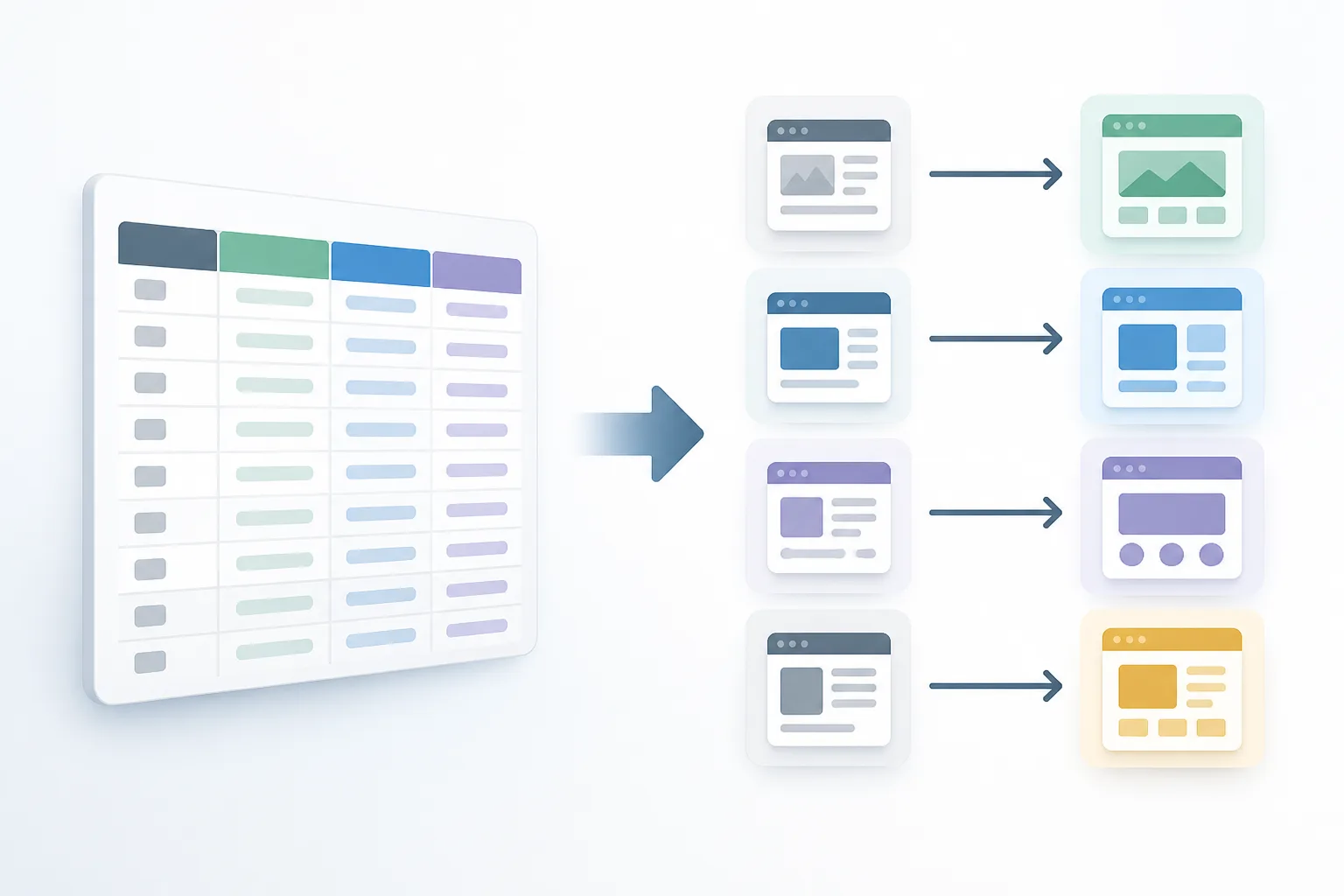
A redirect map pairs each old URL with its new destination and flags URL paths that have changed. A safe migration is easier to manage when the map is a spreadsheet and includes all major URLs. Prioritize pages with organic visits, strong rankings, or important backlinks, and send them to relevant replacement content.
A redirect tells browsers and search engines that a URL has permanently moved. Moving your site to WordPress should use page-by-page redirects rather than sending every old URL to one destination. The ledger doesn’t specify a universal solution for an old URL with no suitable replacement.
Use the table as a blank mapping pattern, not as a set of real URLs. Any WordPress migration plan includes testing each rule and updating internal redirects to point directly to the final destination.
| Old URL | New URL | Redirect check |
|---|---|---|
| Record the existing page | Record the relevant replacement | Confirm destination and status |
Start your WordPress website design project
Which WordPress SEO settings and page elements should I check?
WordPress site-address settings and the migrated pages’ SEO elements both need review when you change the site address. An SEO-safe move includes checking the WordPress home and site URL values, which can be updated in the database or through WP_HOME and WP_SITEURL constants in wp-config.php.
Carry forward recorded title tags, meta descriptions, header tags, robots directives, and canonical tags. Your migration plan also means checking after launch for missing or incorrect canonical tags. Identify key internal links, update them on the new site, and test them before and after the move.
URL changes can leave redirects or canonical tags unimplemented, so include both in the review. The way to migrate a website to WordPress has no specific migration instructions in this ledger for structured data or hreflang. It does flag indexing rules: check that nofollow and index-follow tags appear on the expected pages.

What hosting, HTTPS, and staging setup do I need before launch?
A private staging environment lets you test the new WordPress site before launch, and search engines should be kept from accessing staging. A safe migration includes preventing staging crawlers from visiting the site; the cited guidance identifies robots.txt as one way to block them.
For shared hosting, the cited requirements are PHP and MySQL. Moving your site to WordPress may involve managed WordPress hosting for a high-traffic site when security, speed, uptime, and scalability need attention.
Set up redirects and analytics before launch, then publish to staging and test important pages, links, and forms. Any plan to migrate a website to WordPress also calls for checking the SSL certificate immediately after the domain switch. The ledger gives no DNS configuration steps, so confirm those with your hosting or domain provider rather than relying on an unsupported procedure.
Browse WordPress website design on Fiverr
How can I test the migrated WordPress site before and after launch?
Test content, functionality, forms, media, plugins, and images on staging before the migrated WordPress site goes live. An SEO-safe move includes allowing time to fix bugs and running a pilot test to uncover technical issues.
After launch, crawl the new site, review redirects and known and status pages, and look for blocked bots. Your migration plan also means checking expected nofollow and index-follow tags, unwanted pages, and broken internal links. Manually test important redirects to confirm that they reach the intended pages and return the correct status.
Run speed tests on several pages and compare post-migration performance against a pre-migration benchmark. The way to migrate a website to WordPress includes checking links, forms, images, the SSL certificate, and site performance immediately after the domain switch.

How do I notify Google and monitor the migration after launch?
After a significant migration, submit an updated XML sitemap to Google and Bing, and update Search Console records during go-live checks. A safe migration includes telling Google and Bing about a domain change. For a domain change, submit a Change of Address request and monitor important keyword rankings for sustained drops.
Use Google Search Console and Bing Webmaster Tools to monitor crawl errors, indexing, traffic, and search rankings. Moving your site to WordPress also calls for checking whether new pages were crawled during the first week, then reviewing indexed pages and sitemap errors in subsequent weeks.
Compare post-migration indexing with saved pre-migration information to spot changes or new problems. Any plan to migrate a website to WordPress doesn’t end at sitemap submission: recheck important pages, links, forms, and tracking, and watch search traffic and indexing after launch.
Watch
Get WordPress website design pricing
Questions from clients
What should I do first before migrating a website to WordPress?
Before migration, benchmark the current site, inventory its URLs and SEO elements, and create and test a full-site backup.
Should I use redirects when moving a website to WordPress?
A redirect marks a permanent move, and a page-by-page approach connects old URLs to relevant replacement pages.
How do I tell Google that my website has moved?
Submit an updated XML sitemap after a significant migration; if the domain changes, communicate the move to Google and Bing and submit a Change of Address request.
How much does a WordPress website migration cost, and how long does it take?
The ledger provides no migration cost ranges, platform plan prices, or standard timelines, so those figures can’t be stated here.
